Securing G Router Settings for Home Network: Essential Tips and Tricks
Are you aware that your home network is vulnerable to cyber threats? Your Wi-Fi router is the gatekeeper of your home network, managing access to the internet and controlling communication between connected devices. However, a poorly secured router can leave your entire network exposed to cyberattacks. In this article, we will guide you on how to secure your G router settings for a safe and reliable home network.
The Importance of Securing Your Router Settings
Your router is the most important electronic device in your home, and it's an attractive target for attackers. Hackers can exploit your router's default settings to gain access to your network, steal your personal data, and even use your bandwidth for malicious activities. By securing your router settings, you can safeguard your data, protect your devices, and ensure a secure online experience.
Step 1: Change Your Router's Default Settings
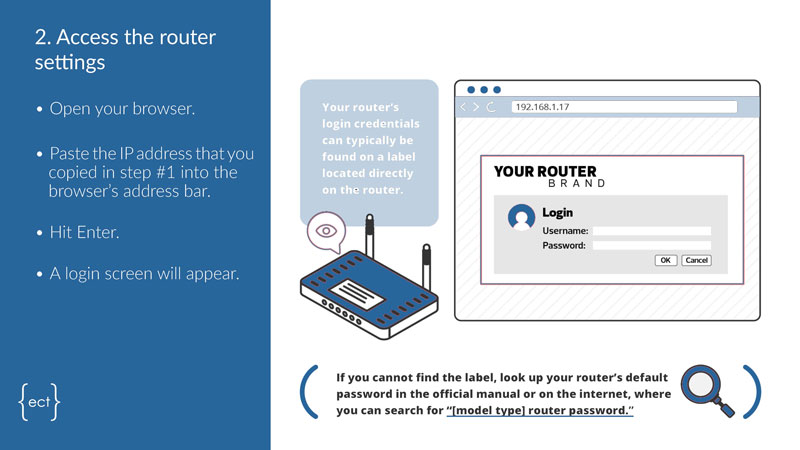
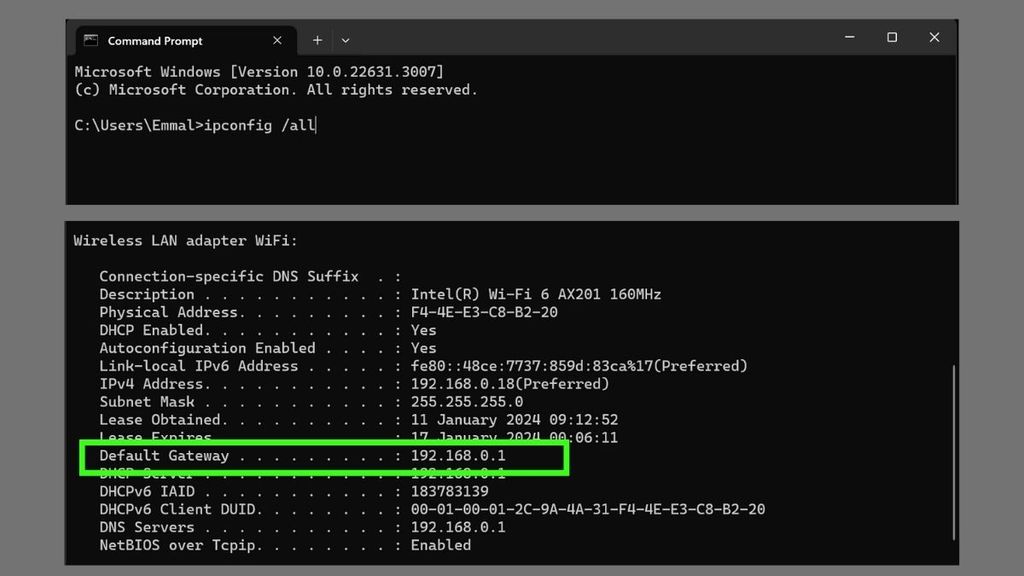
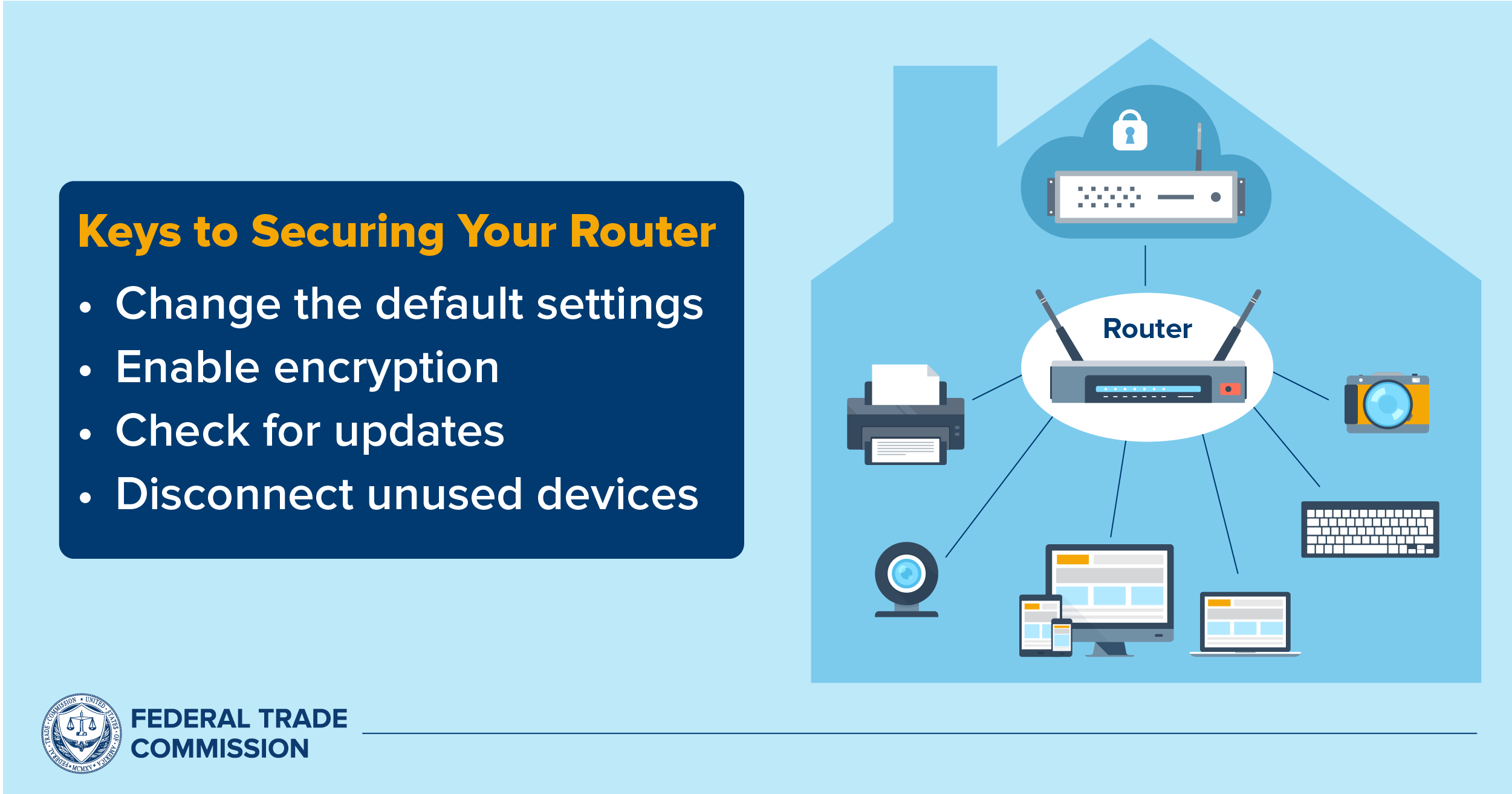
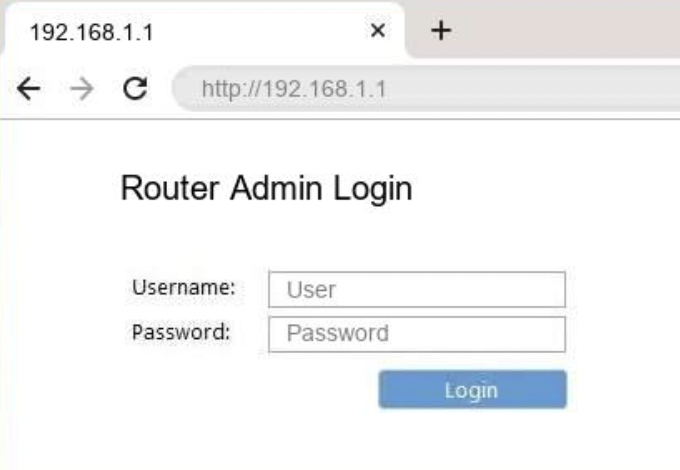
The first step in securing your router settings is to change your router's default username and password. This is the most basic step, but it's often overlooked by many users. The default settings are easily accessible, and hackers know that they are often left unchanged. By changing your router's default settings, you'll significantly reduce the risk of unauthorized access to your network.
Step 2: Update Your Router's Firmware

Your router's firmware is its software, and it's essential to keep it up-to-date. Regular firmware updates often include security patches and bug fixes that can prevent hackers from exploiting vulnerabilities in your router. Make sure to check your router's manufacturer website for firmware updates and follow their instructions to update your router's firmware.
Step 3: Enable WPA3 Encryption
WPA3 is the latest generation of Wi-Fi security, and it's a game-changer when it comes to securing your home network. WPA3 encryption offers a higher level of security than its predecessor, WPA2, and it's essential to enable it on your router. This will prevent hackers from intercepting your data and ensure a secure connection between your devices and the internet.
Remote access allows you to configure your router from a remote location, but it's a security risk if not properly set up. By disabling remote access, you'll prevent hackers from accessing your router's settings and gaining control over your network.
Step 5: Change Your Network Name (SSID) and Password
Your network name (SSID) and password are easily accessible to anyone within range of your network. By changing them, you'll make it more difficult for hackers to access your network. Make sure to choose a strong password that's a combination of letters, numbers, and special characters.

Step 6: Set Up a Home Firewall
A home firewall is a software that monitors incoming and outgoing network traffic and blocks any suspicious activity. By setting up a home firewall, you'll prevent hackers from accessing your network and stealing your personal data.
Step 7: Regularly Check for Updates and Monitor Your Network
Conclusion
Securing your G router settings is a crucial step in protecting your home network from cyber threats. By following the steps outlined in this article, you'll be able to safeguard your data, protect your devices, and ensure a secure online experience. Remember to regularly check for updates, monitor your network, and take the necessary steps to secure your router settings.
Additional Tips and Tricks
- Use a strong password for your router and network.
- Enable WPA3 encryption on your router.
- Disable remote access on your router.
- Set up a home firewall to monitor and block suspicious activity.
- Regularly check for updates and monitor your network activity.
- Use a VPN (Virtual Private Network) to secure your internet connection.
- Change your router's default settings regularly.













:max_bytes(150000):strip_icc()/3-5abcf226fa6bcc0036668782.png "Module 5: Securing Your Home Wi-Fi - CISA")