How to Set Up Smart Plug: A Comprehensive Guide
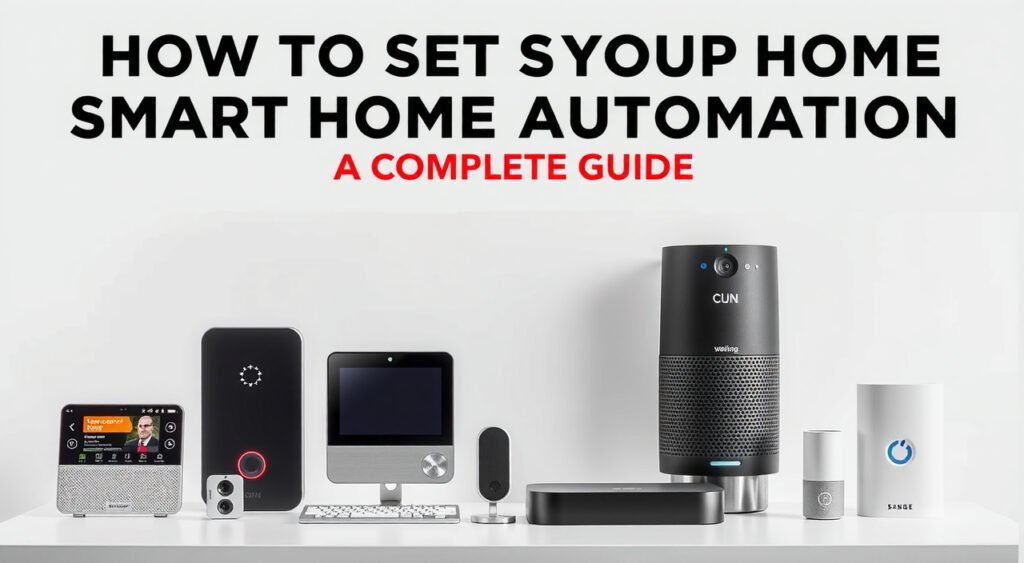
Smart plugs are a fantastic way to get started with smart home technology, and with this guide, you'll learn how to set up a smart plug in no time. Whether you're trying to automate your morning routine, save on energy bills, or simply enjoy the convenience of controlling your devices with your voice, this article will walk you through the step-by-step process of setting up a smart plug.
Introduction to Smart Plugs
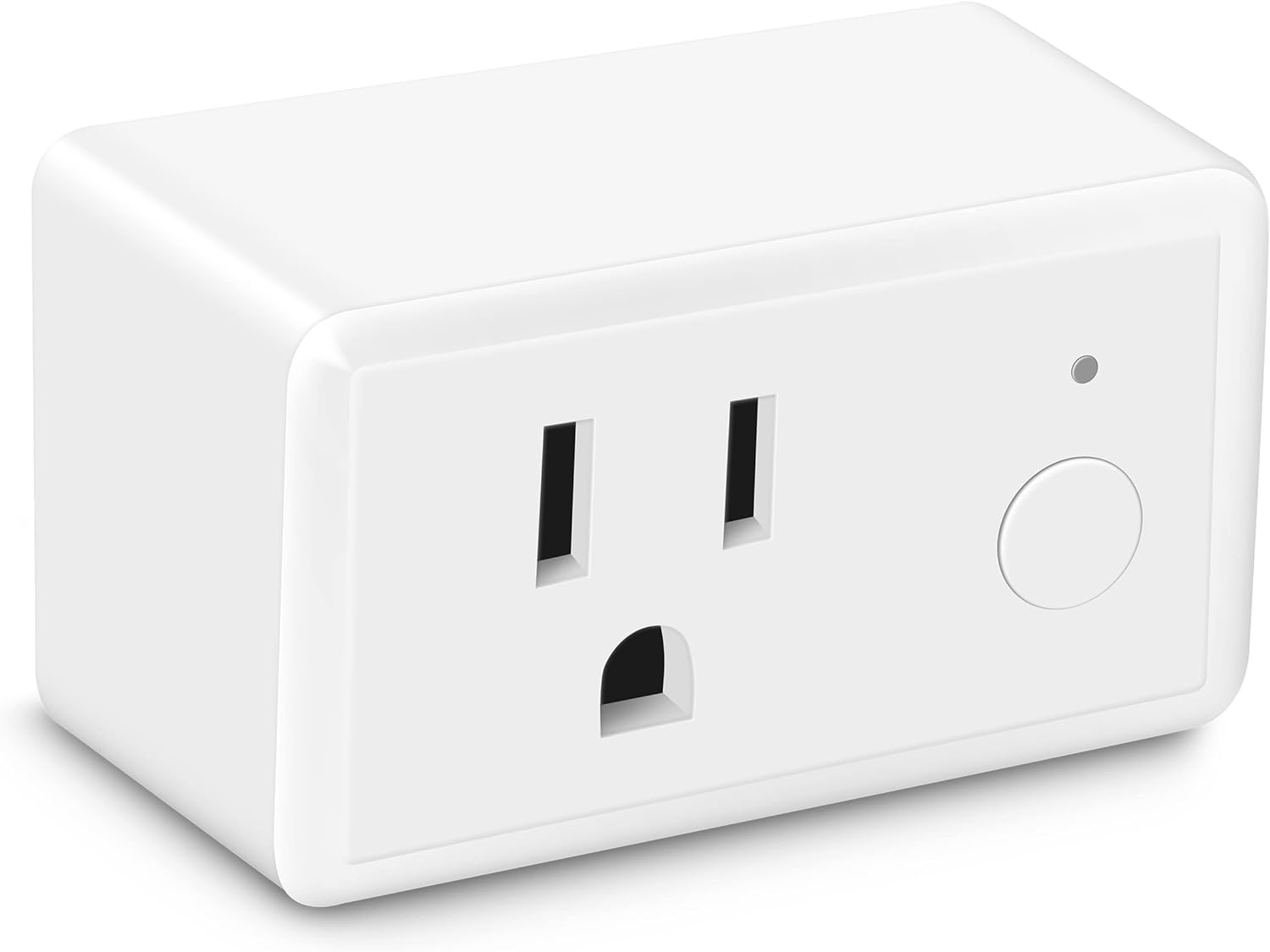
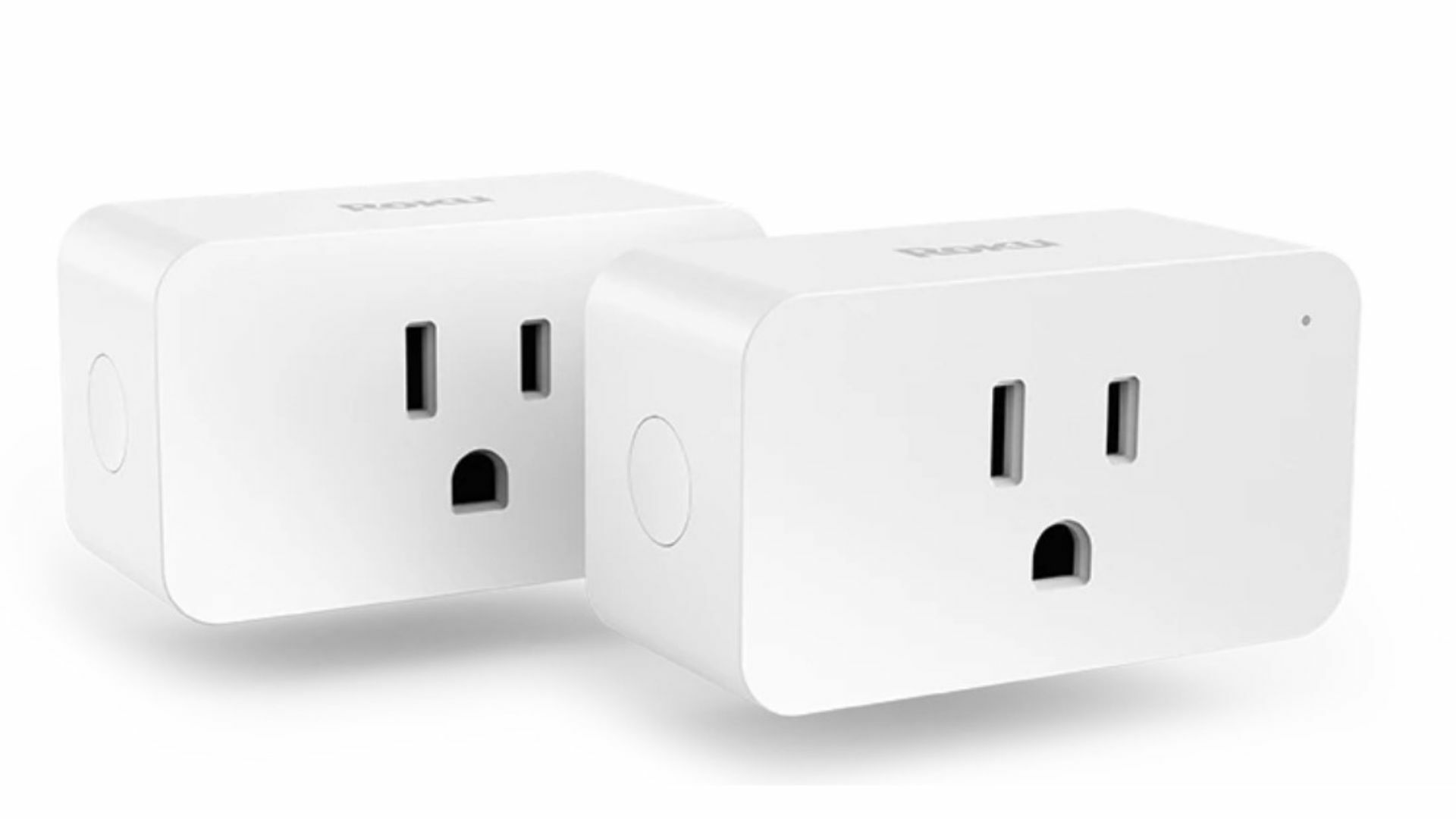
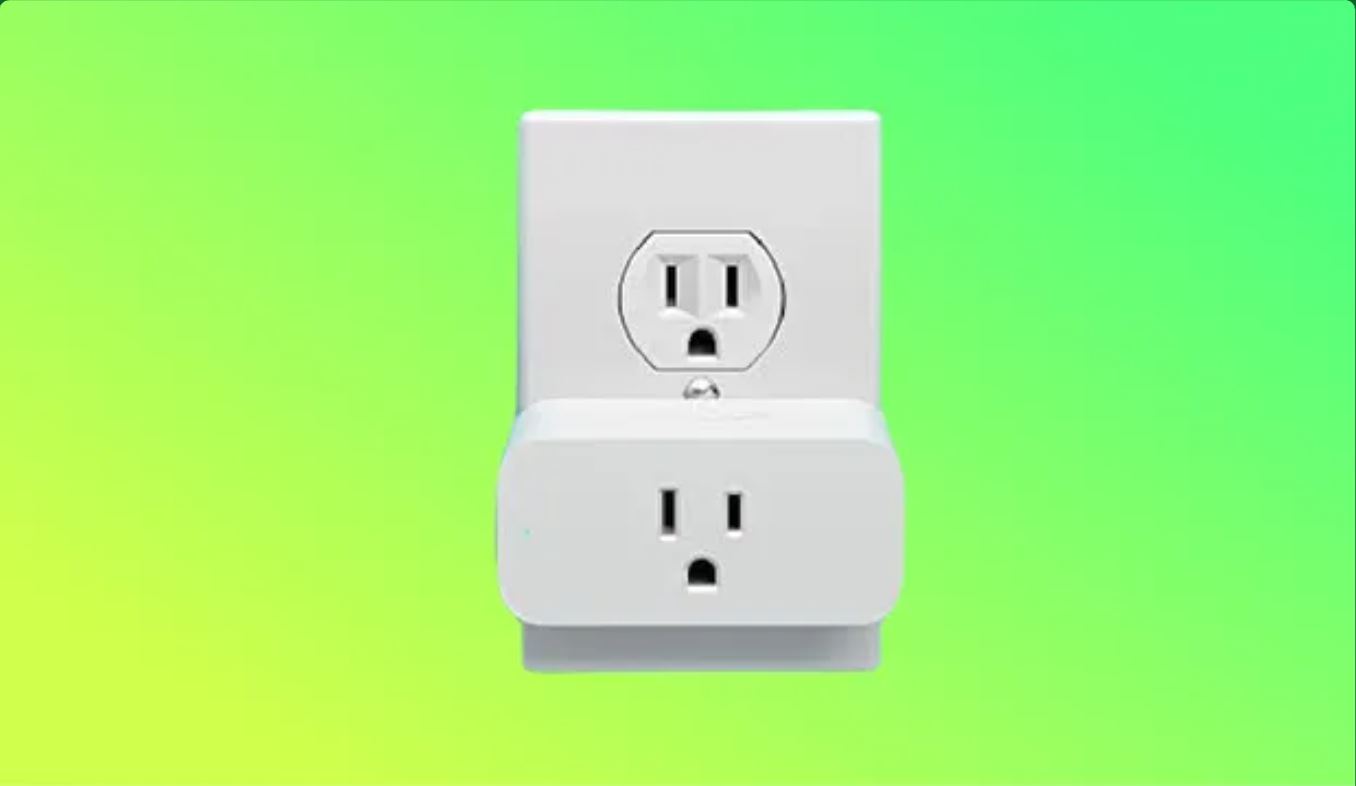
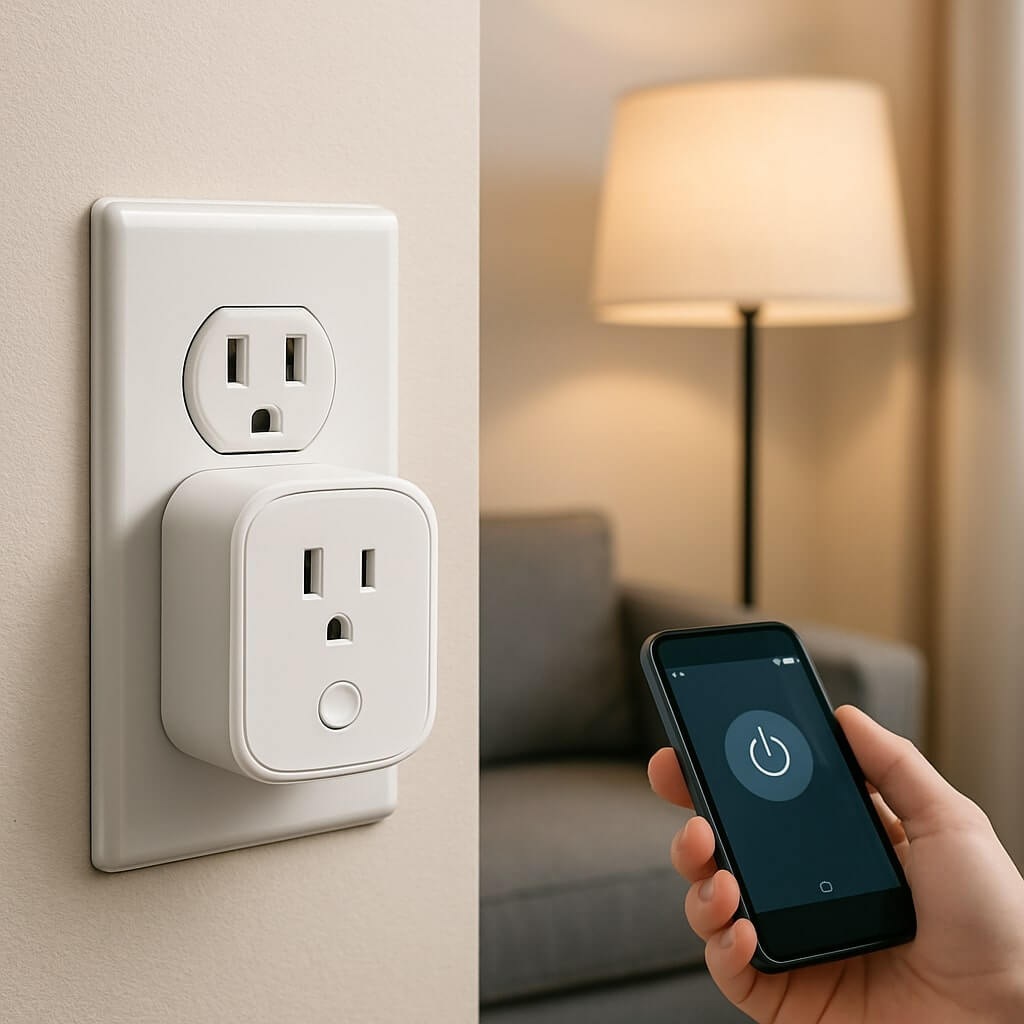
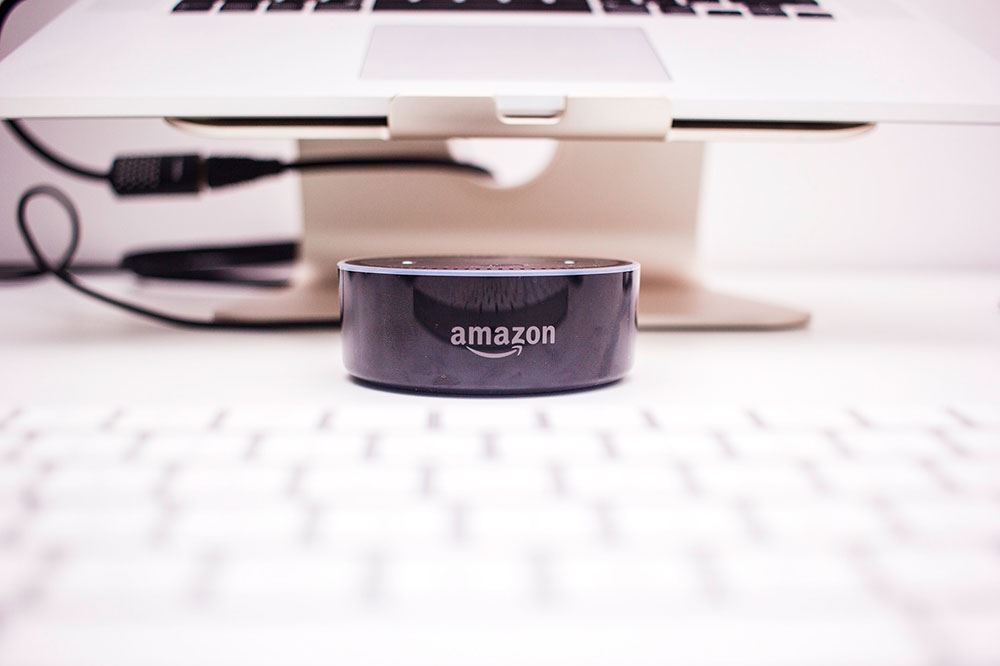
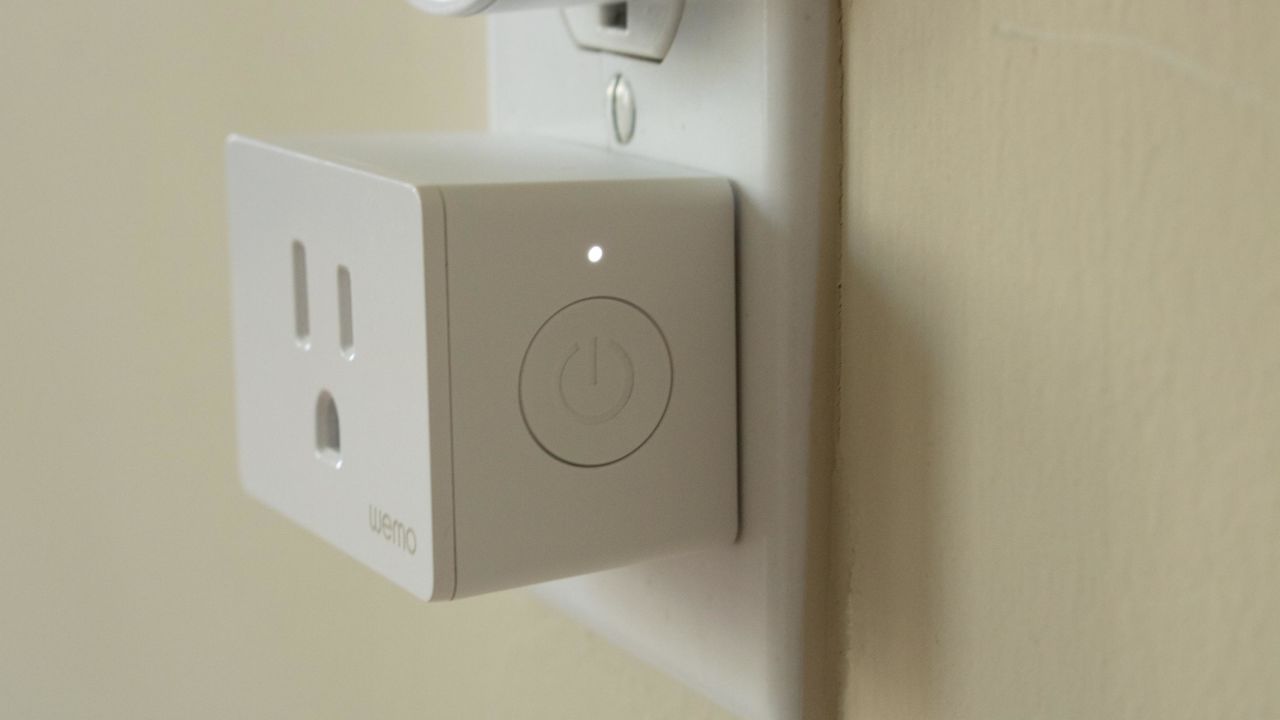
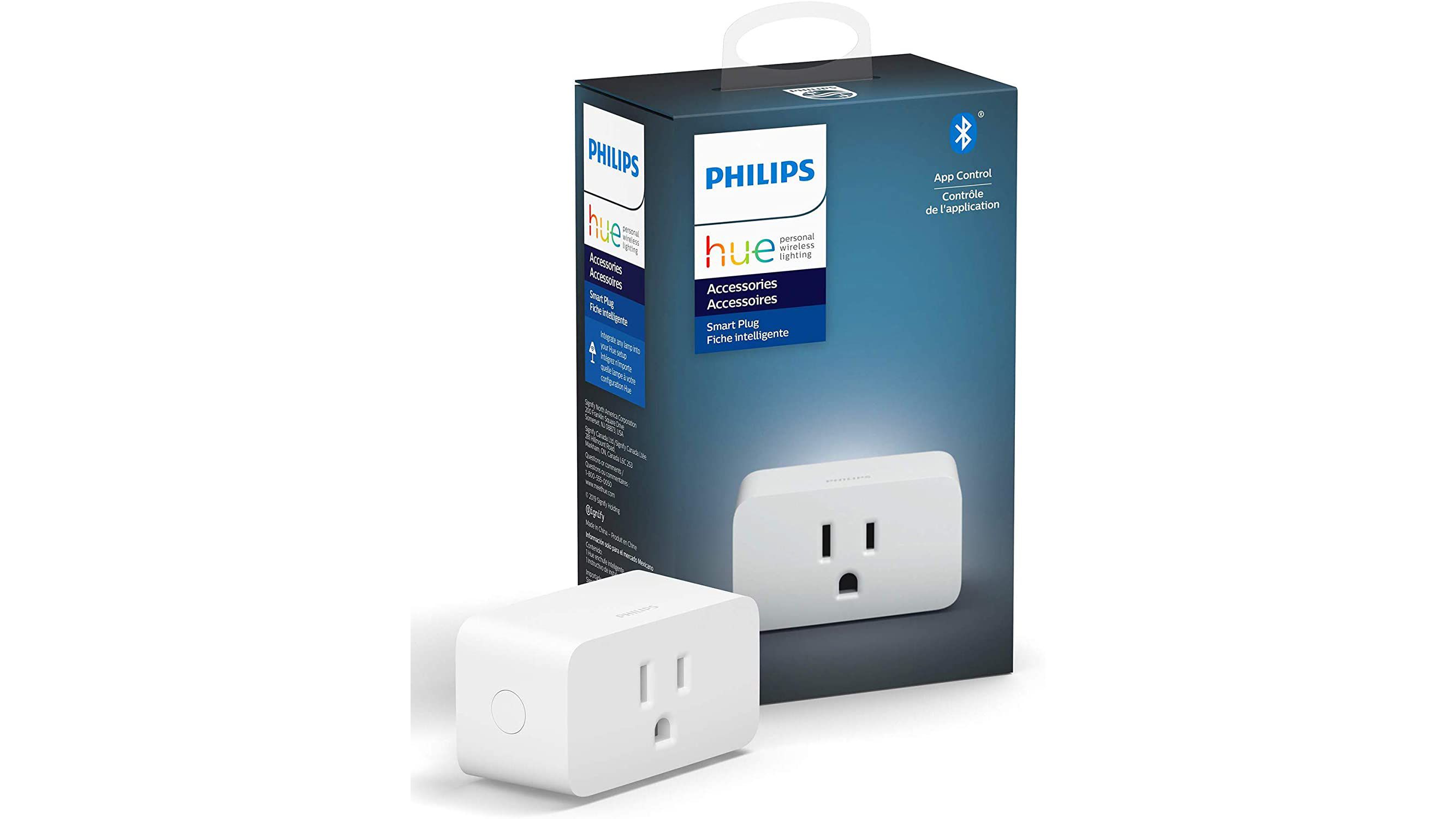
A smart plug is a small Wi-Fi-enabled power adapter that plugs into a regular wall outlet and controls the flow of electricity to connected devices. Once set up, you can control a smart plug from a companion app on your phone or tablet or from a smart speaker or display. It's also possible to control a smart plug integrated into your smart home platform of choice with commands via a voice assistant.
Choosing the Right Smart Plug
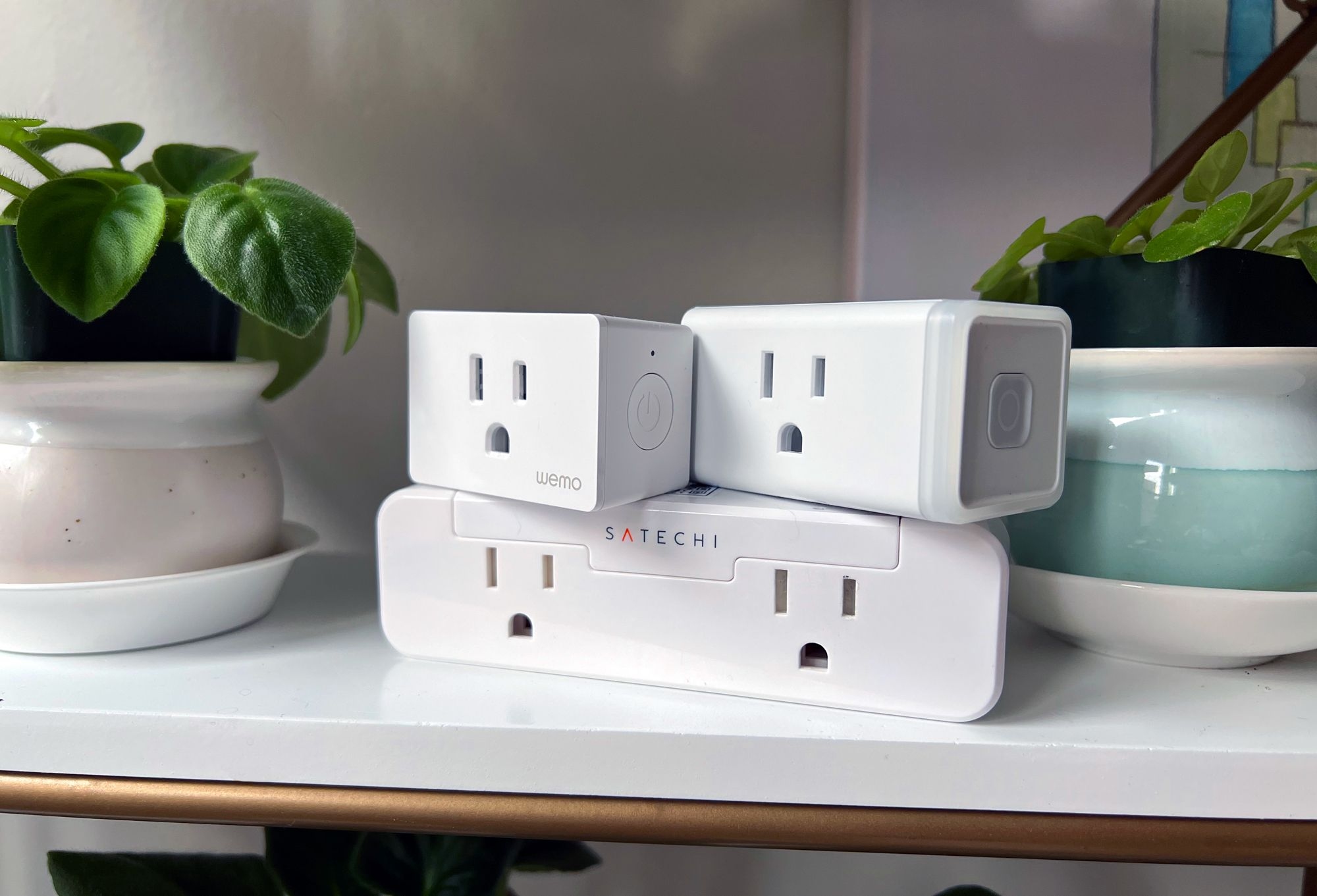
- Compatibility: Make sure the smart plug is compatible with your devices and smart home platform.
- Wi-Fi connectivity: Ensure the smart plug has stable Wi-Fi connectivity to prevent connectivity issues.
- Energy monitoring: Consider a smart plug with energy monitoring capabilities to track your energy usage.
- Automation features: Think about the features you need, such as scheduling, remote access, and voice control.
- Price: Smart plugs can range from affordable to very expensive, so set a budget before making a purchase.
Step-by-Step Setup Process
Now that you've chosen your smart plug, it's time to set it up. Follow these steps to connect your smart plug to your Wi-Fi network:
Step 1: Unbox and Plug in the Smart Plug
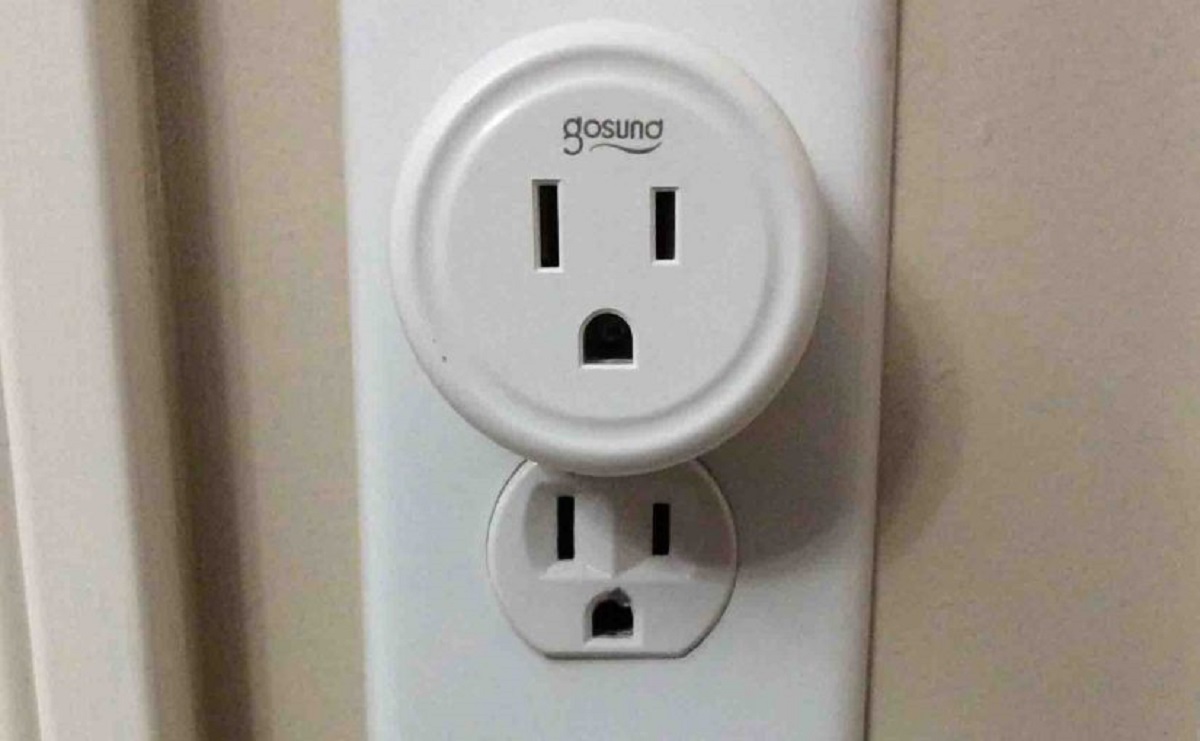
Remove the smart plug from its packaging and plug it into a power outlet. Make sure the outlet is easily accessible and close to your router for stable Wi-Fi connectivity.
Step 2: Download and Install the Companion App

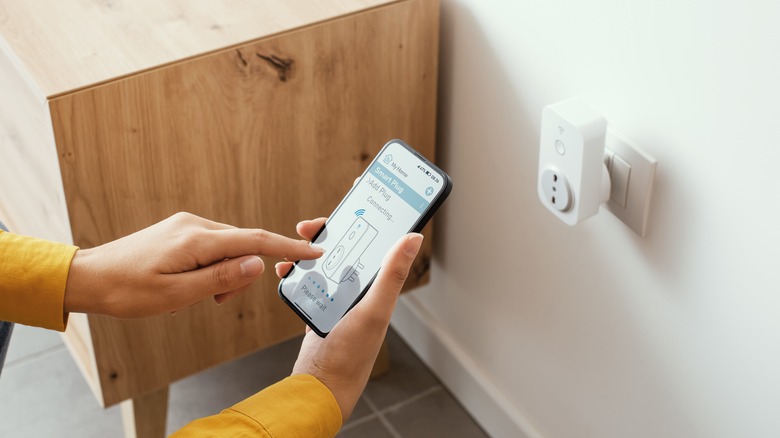
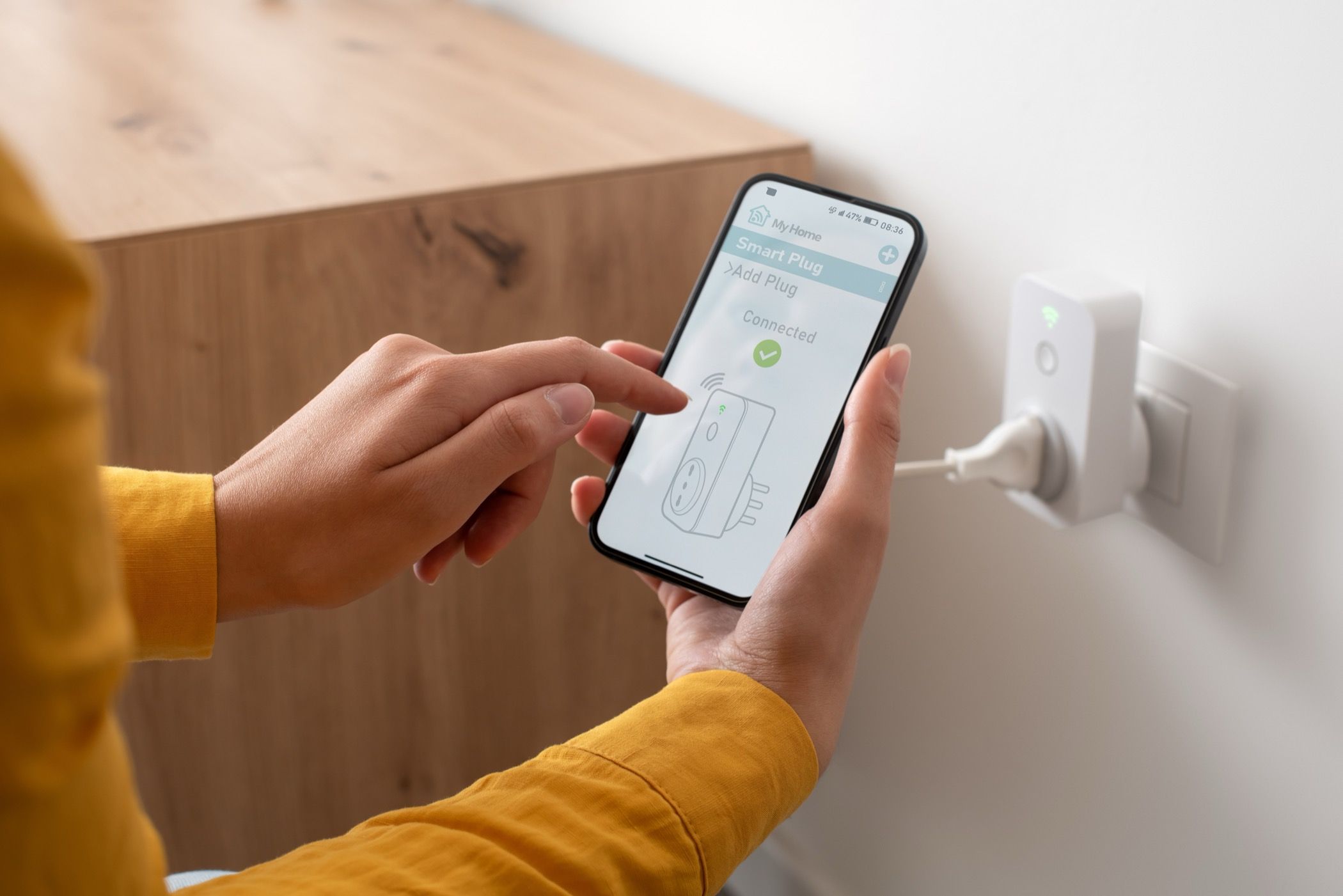
Download the companion app for your smart plug from the App Store (for iOS devices) or Google Play Store (for Android devices). Install the app and launch it on your device.
Step 3: Connect the Smart Plug to Your Wi-Fi Network
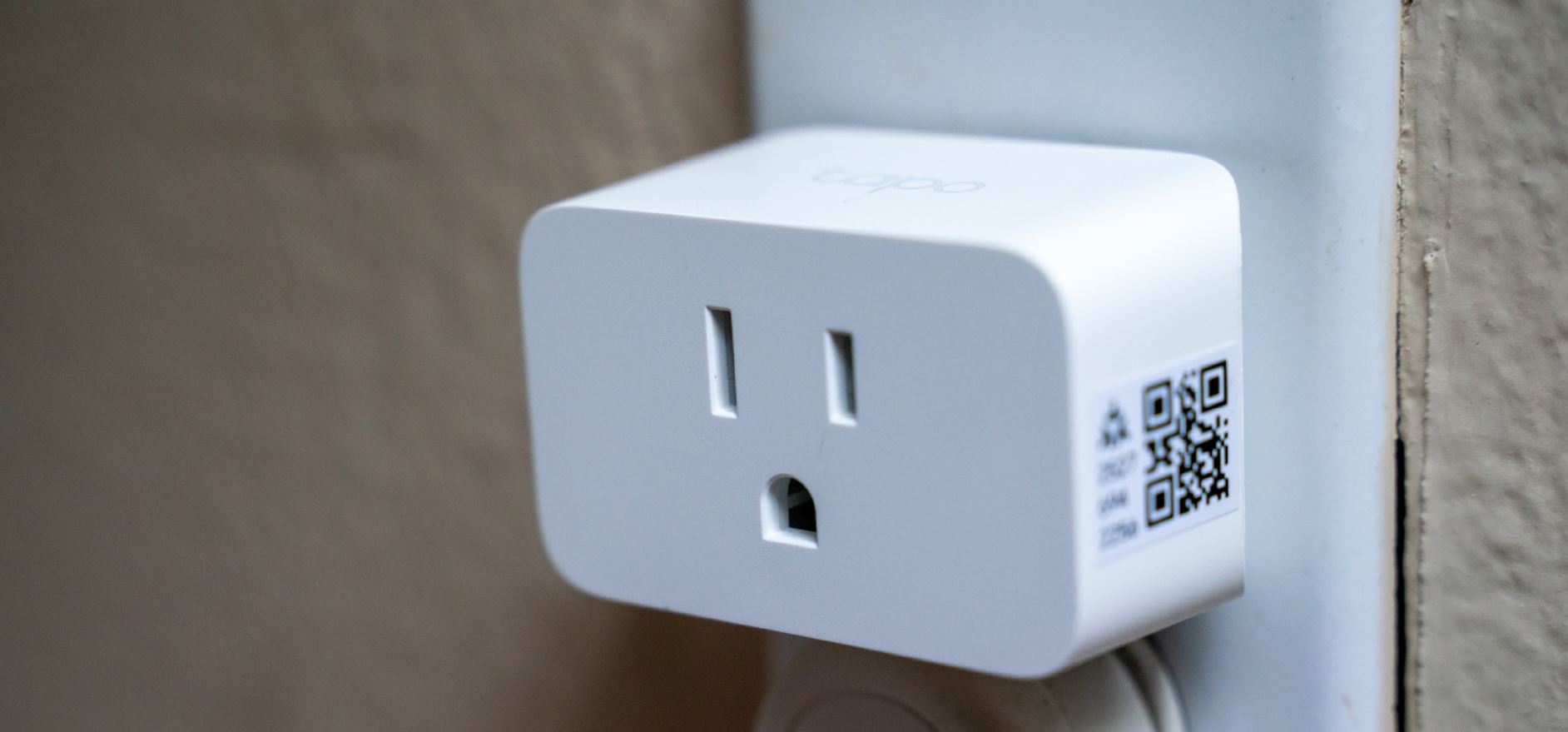
Follow the in-app instructions to connect your smart plug to your Wi-Fi network. This may involve entering your Wi-Fi password or scanning a QR code.
Step 4: Configure the Smart Plug Settings
Step 5: Integrate with Your Smart Home Platform
Integrate your smart plug with your smart home platform of choice, such as Amazon Alexa or Google Assistant, to control your devices with voice commands.
Troubleshooting Tips
Don't worry if you encounter any issues during the setup process. Here are some troubleshooting tips to help you resolve common problems:
- Power output issues: Check that the smart plug is receiving power from the outlet.
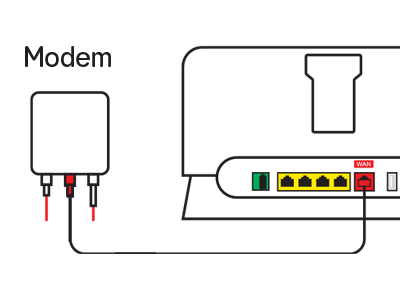
- Wi-Fi connectivity issues: Restart your router and smart plug to ensure stable Wi-Fi connectivity.
- Unresponsive devices: Restart your device and smart plug to resolve connectivity issues.
- App recognition issues: Update your app to the latest version and try again.
- Firmware updates: Check for firmware updates and follow the in-app instructions to update your smart plug.
Conclusion
Setting up a smart plug is a straightforward process that can enhance your smart home experience. By following these steps and troubleshooting tips, you'll be able to control your devices with ease and enjoy the convenience of a smart home.
Popular Smart Plug Brands
Some popular smart plug brands include:
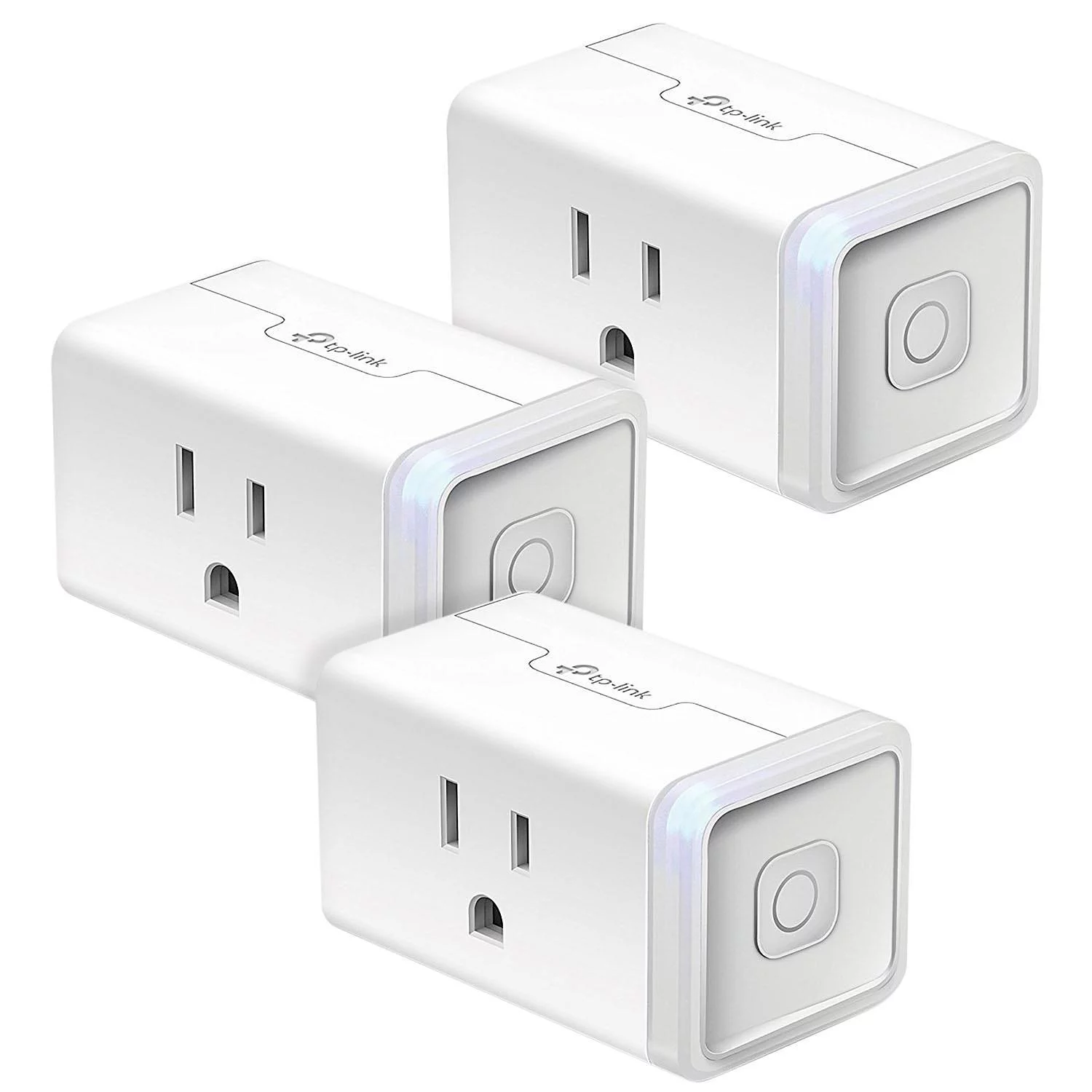
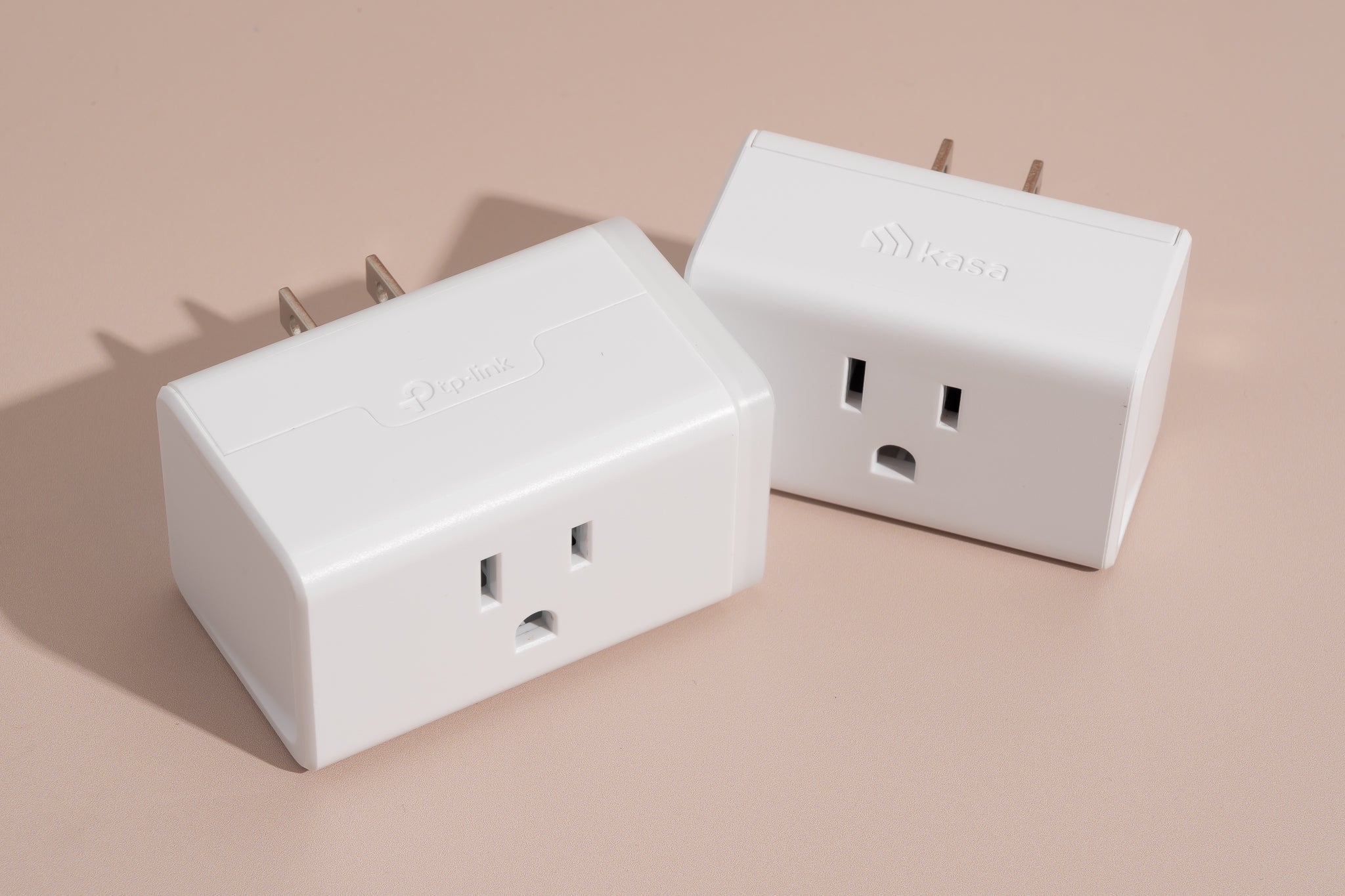
- TP-Link
- Amazon
- Kasa
Final Tips
Here are some final tips to help you make the most of your smart plug:
- Customize your smart plug settings to suit your needs.
- Use automation features to save energy and increase convenience.
- Integrate your smart plug with your smart home platform for seamless control.
- Monitor your energy usage to optimize your smart plug settings.
Recommended Smart Plug Products
Here are some recommended smart plug products:
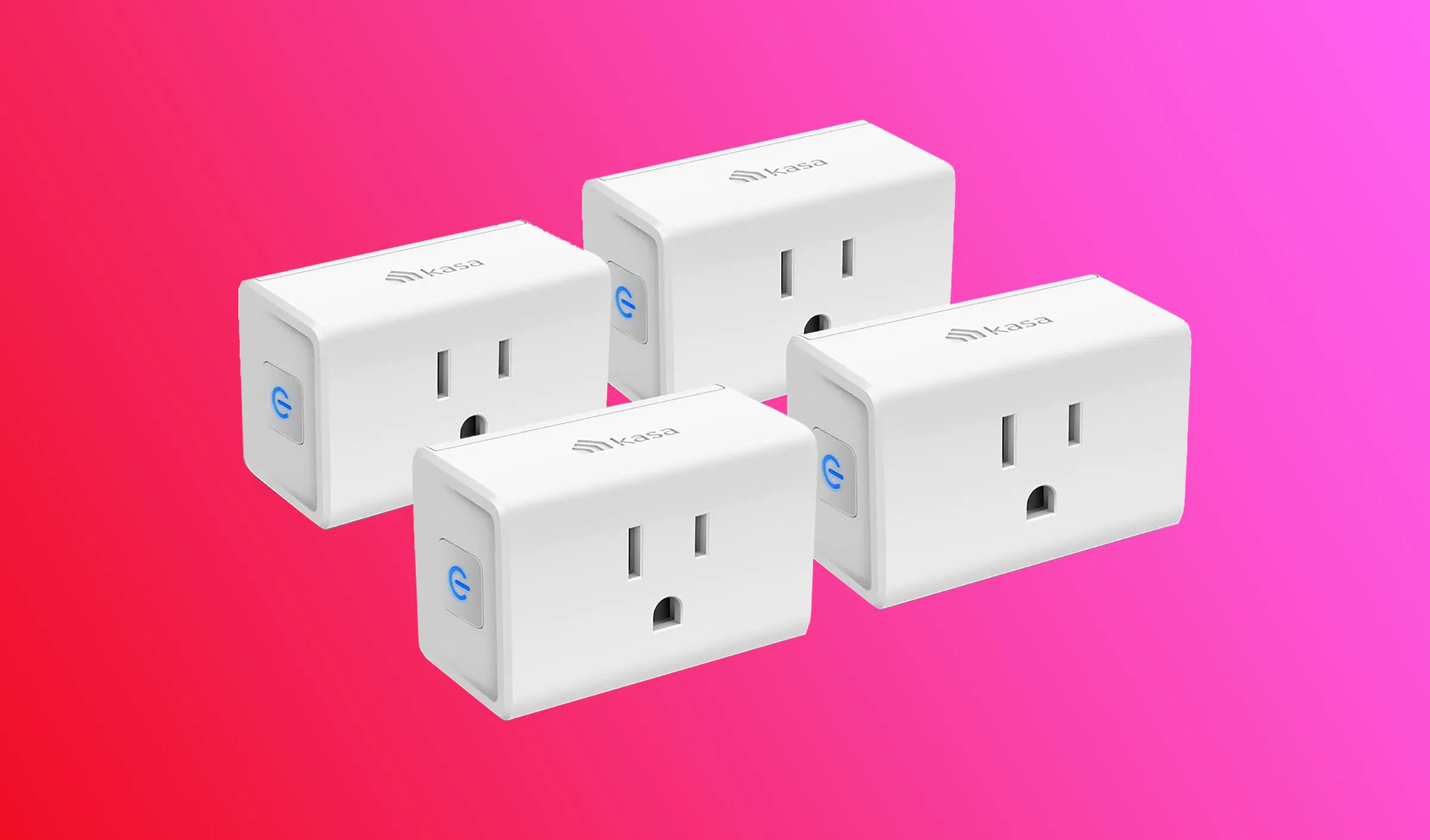
- Kasa Smart Wi-Fi Plug Mini
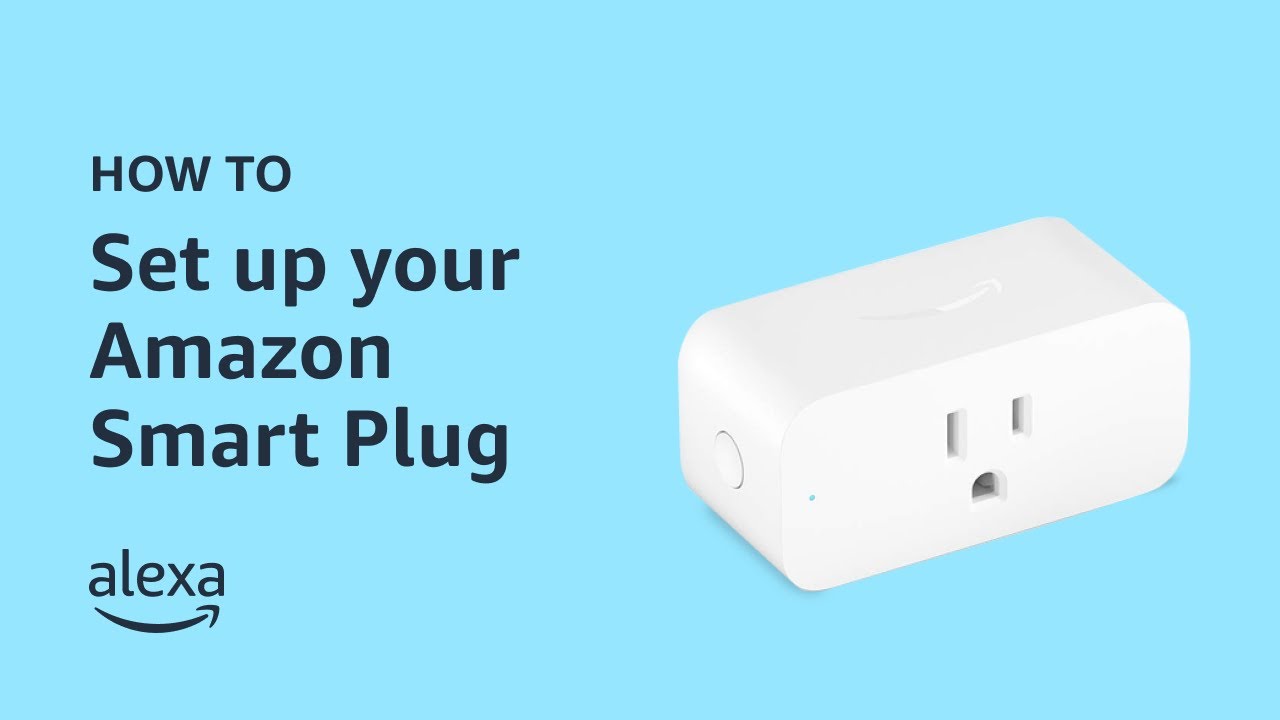
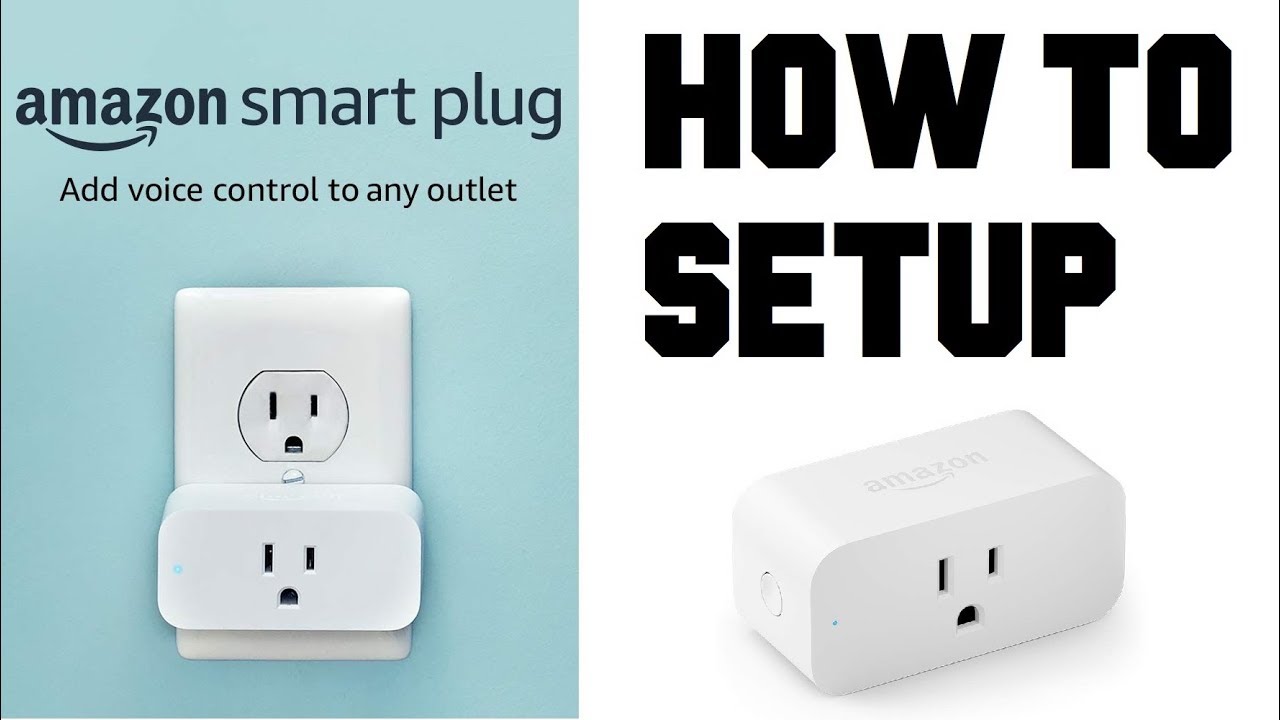
- Amazon Smart Plug
- TP-Link Tapo Smart Plug